Illustrative workflow
Cross-border storefront refresh
Create a new set of product visuals when a storefront needs an update.
AI FASHION CONTENT STUDIO
Keep product details locked while creating on-model visuals for product pages, campaigns, and creative testing—without casting or reshoots.
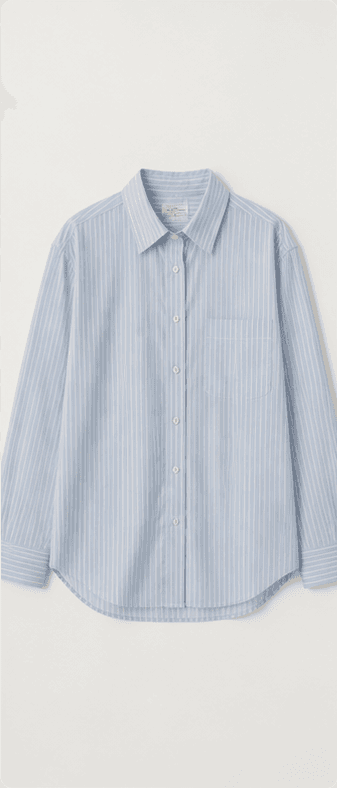





Create your images — upload product references and describe what you want.
Model
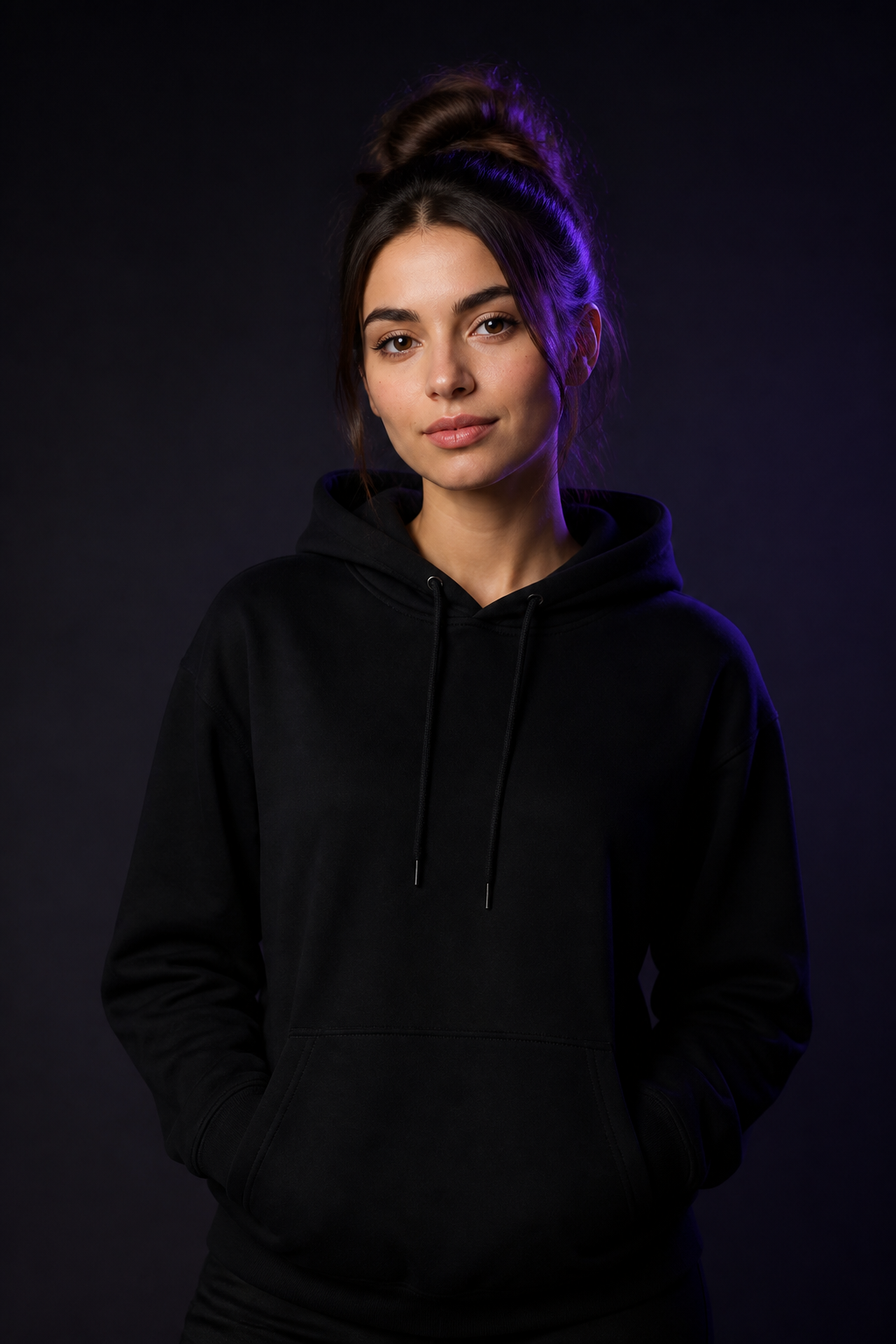
Ava
Fixed for demo
Scene

Studio
Fixed for demo
Ratio
3:4
Fixed for demo
Output
Single image
Fixed for demo
THREE WAYS TO CREATE
Every purpose keeps the product recognizable. What changes is the amount of consistency and creative range you need.
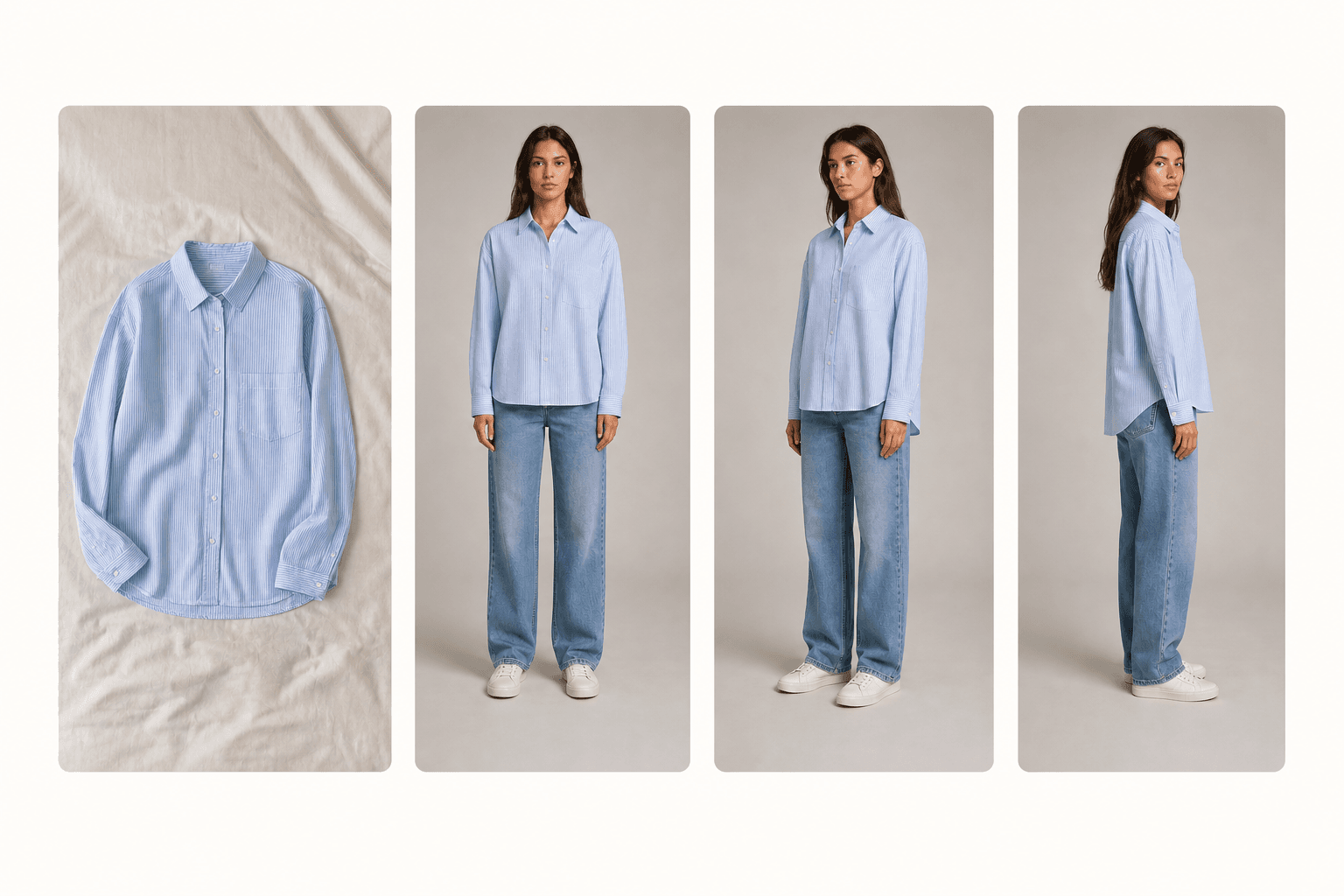
01 · Product Photos
Product photos that stay true to the garment.
Best for product pages and catalog updates.
Explore this direction
02 · Campaign Content
Turn approved products into campaign-ready visuals.
Best for social content, launches, and paid media.
Explore this direction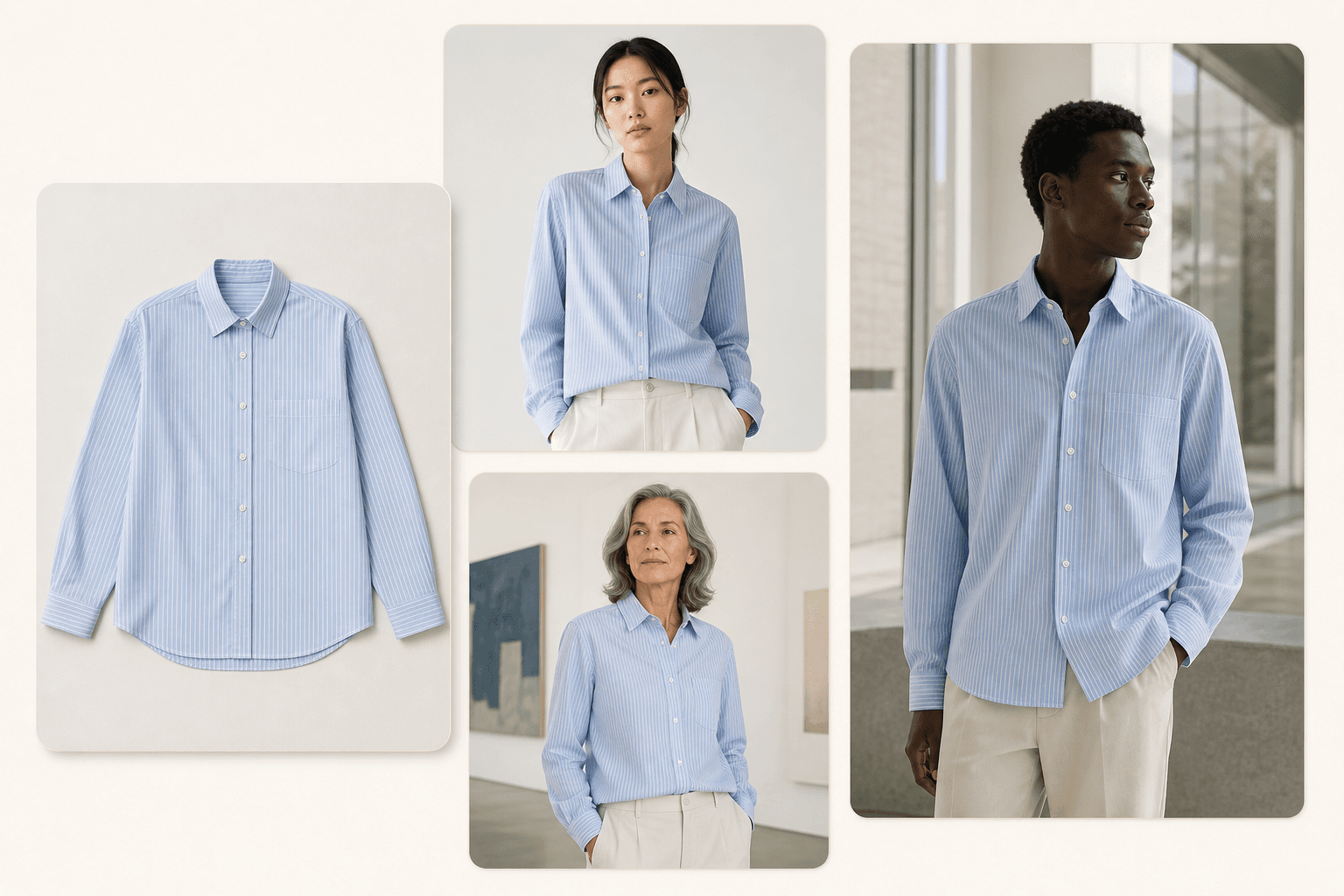
03 · Creative Exploration
Explore new visual directions before committing to production.
Best for audience testing and creative discovery.
Explore this directionFrom catalog updates to campaign launches, Fash.AI helps teams create more visual content from every approved product reference.
A focused workflow keeps product details visible from reference upload through generation.
Reference limits follow your plan: Free starts with one view; paid entitlements accept one to three views of one garment.
01
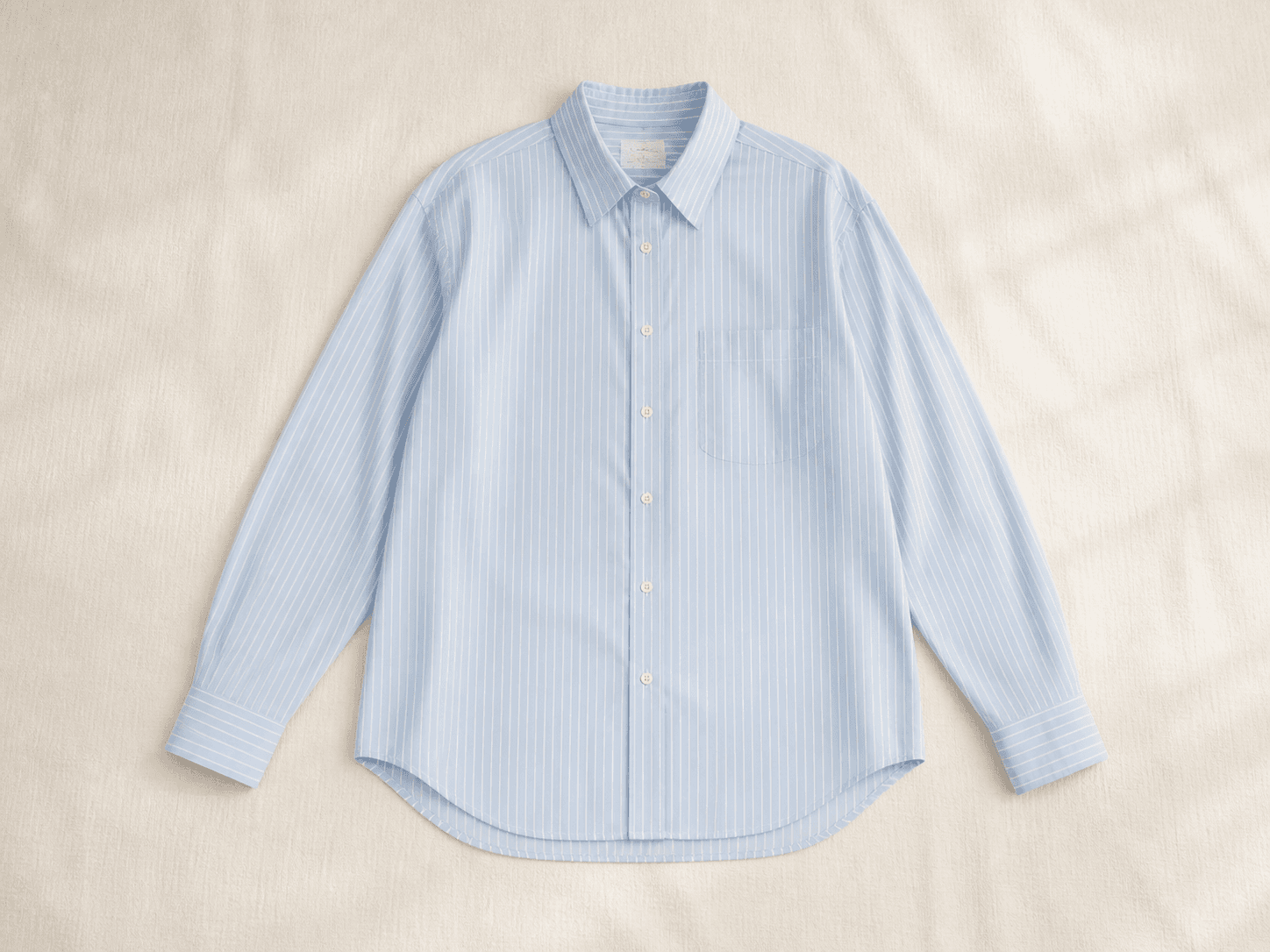
Add the product views that show the garment clearly.
02
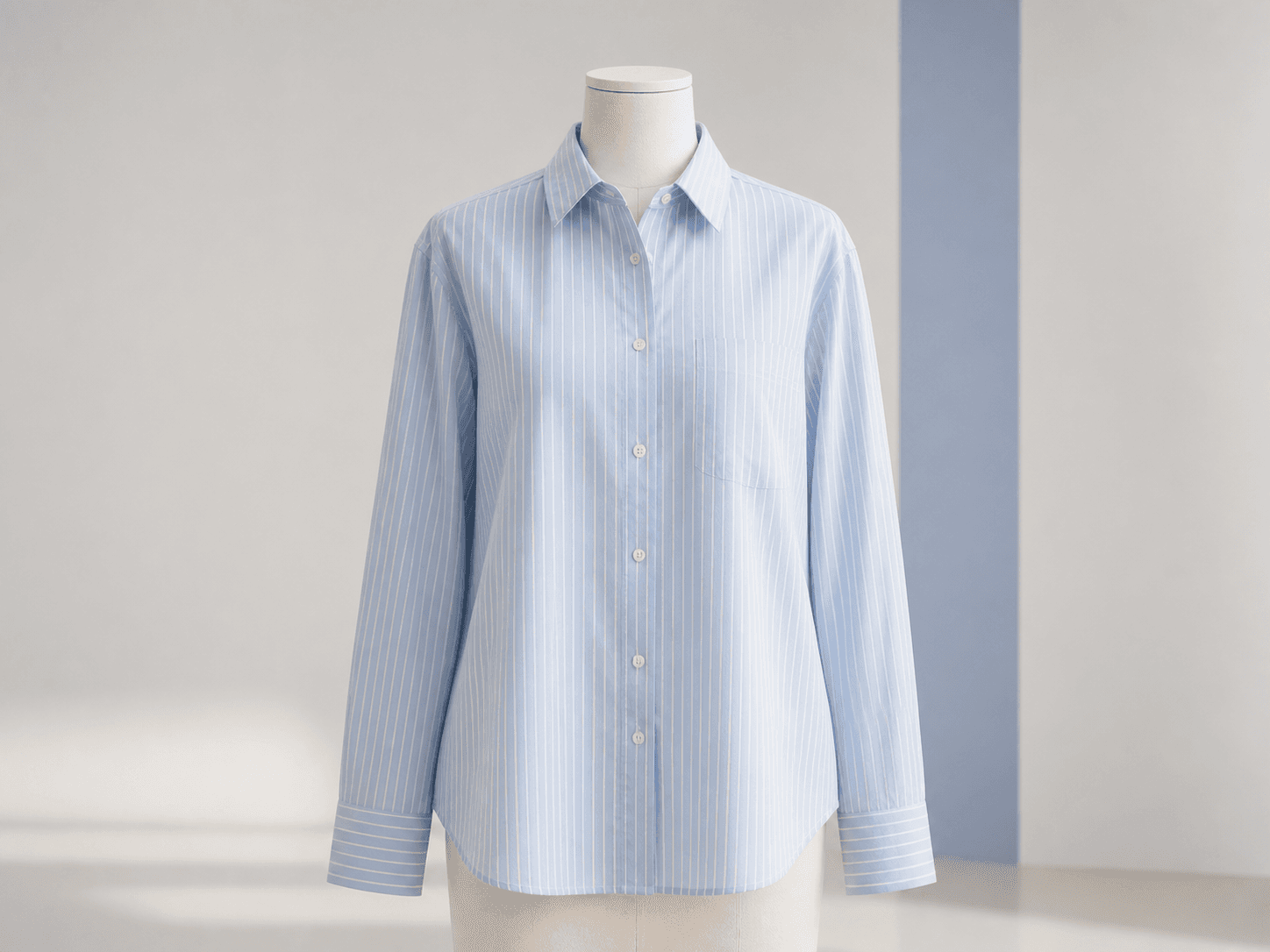
Review the detected facts before anything is generated.

03
Set the output direction for product, campaign, or exploration work.

04
Create one result, preview it safely, and download when it is ready.
Confirm the product facts before generation.
Use multiple views of one garment when your plan allows it.
Start from the content job you need to complete.
Keep the creative direction clear across the result.
Results return through a same-origin, access-checked flow.
Watermark treatment follows the active plan rules.
Use the studio in the language that fits your team.
Continue the workflow across PC and mobile browsers.
$0
$29/ month
$99/ month
$9One-time
Questions or plan interest? Contact us and we will help you choose.
Upload a product reference, confirm the details, and create your first commerce-ready image with Fash.AI.