
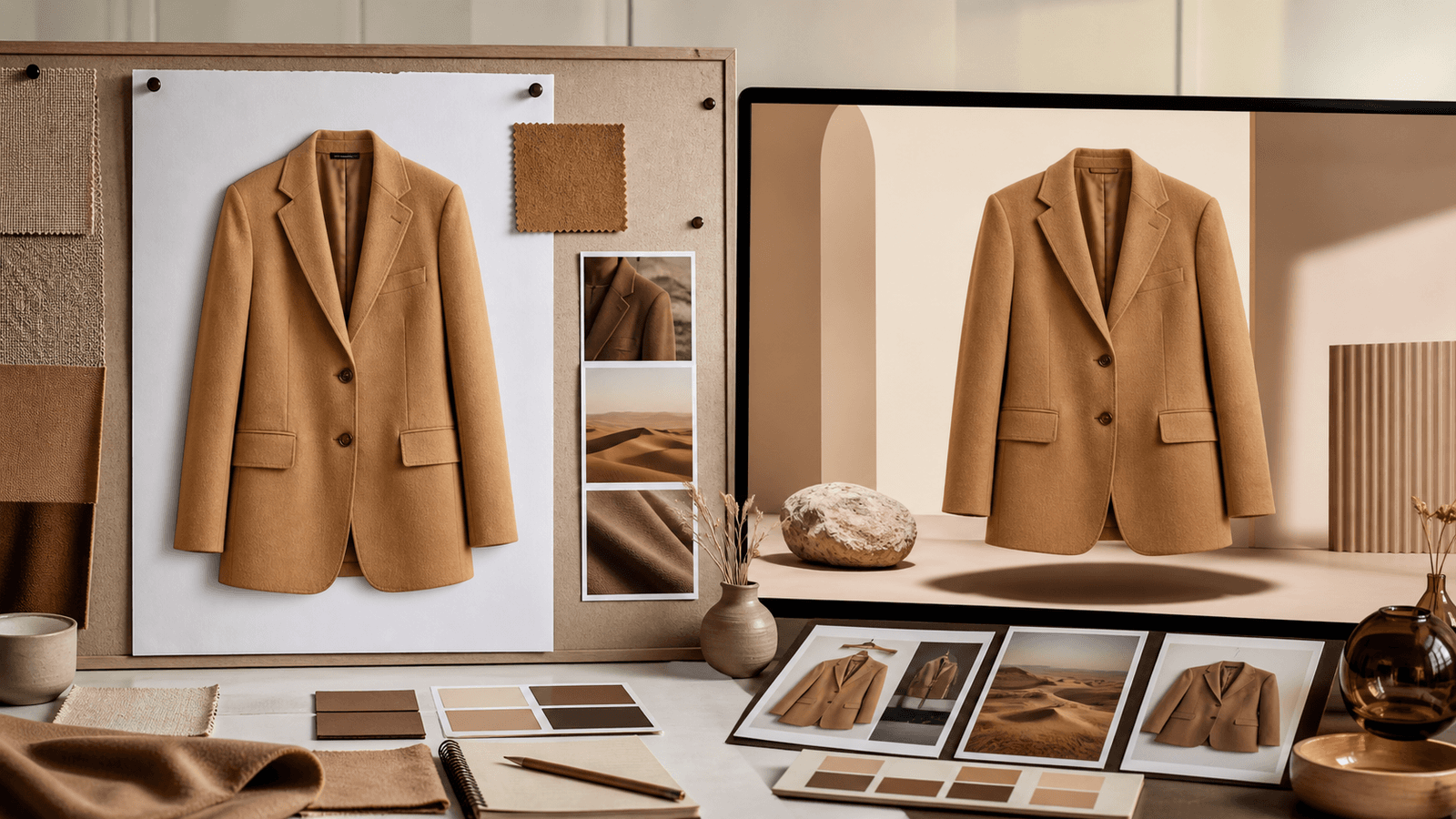
Turn a product reference into campaign content
Separate the product from the scene
The product brief should stay stable while the campaign direction changes. Keep color, fit, material, and graphics in the locked facts. Use the prompt for light, location, styling, and the feeling of the collection.
Build a small visual system
Choose one lead scene and one supporting scene before generating. Repeating a framing rule, palette, or distance from the subject gives a campaign a recognizable rhythm without making every frame identical.
Write prompts that editors can understand
Prefer concrete nouns and constraints: “soft morning light, neutral studio, three-quarter framing.” Avoid a pile of brand adjectives that cannot be checked. A short direction is easier to review with a team.
Review for channel fit
A campaign image for a product page may need more negative space than a social post. Pick the ratio first and inspect the edges, logo placement, and crop before approving a set.
Campaign checklist
- Lock product facts before changing the scene.
- Define a lead scene and a supporting scene.
- Use one concise creative direction.
- Review crop, details, and channel fit.
Continue with Campaign Content.